
Dalattin – Professional Grade LED Strip Lights & Bulbs
Experience premium room decoration with Dalattin led strip lights. Vibrant colors and smart controls for any space.
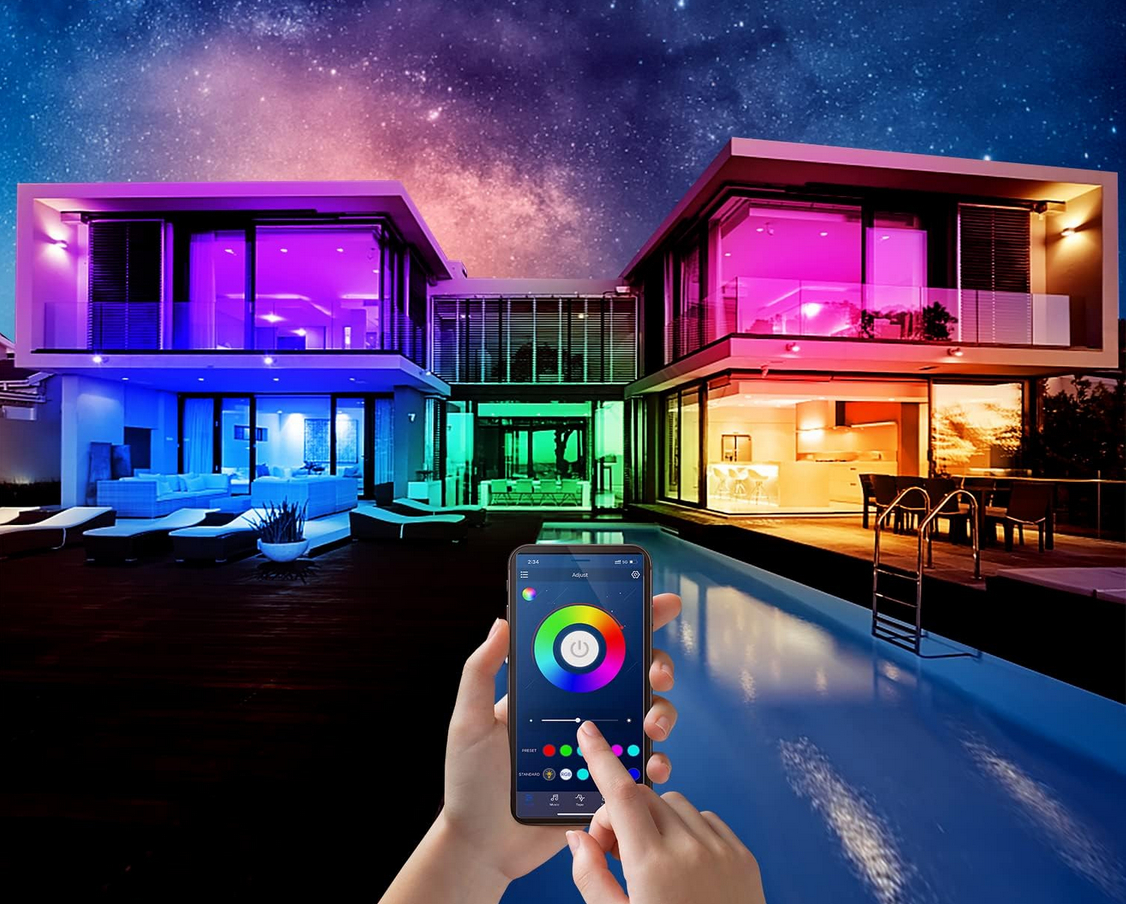
Smart Control
Manage your Dalattin led strip lights via mobile app or remote for effortless, customizable home ambiance.
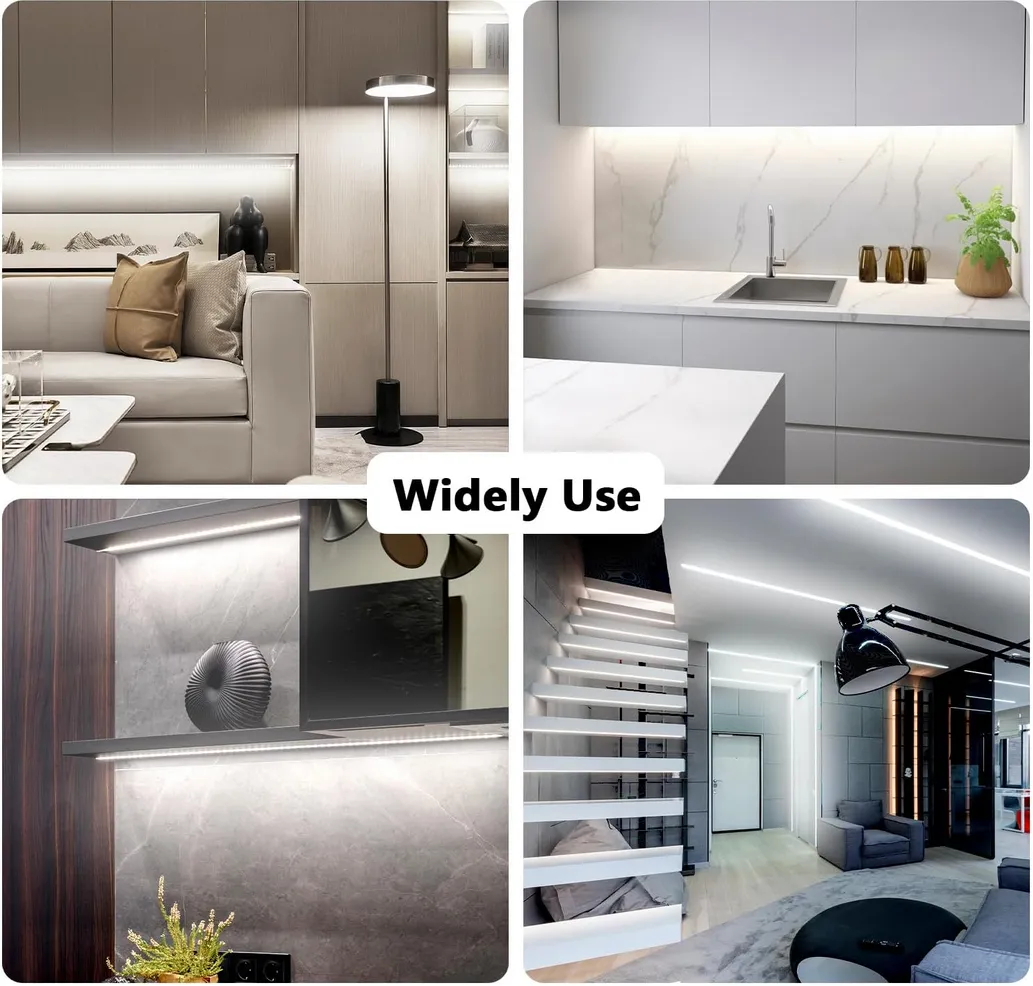
Simple Setup
Peel and stick these professional Dalattin led lights onto any clean surface for instant room transformation.
Energy Efficiency
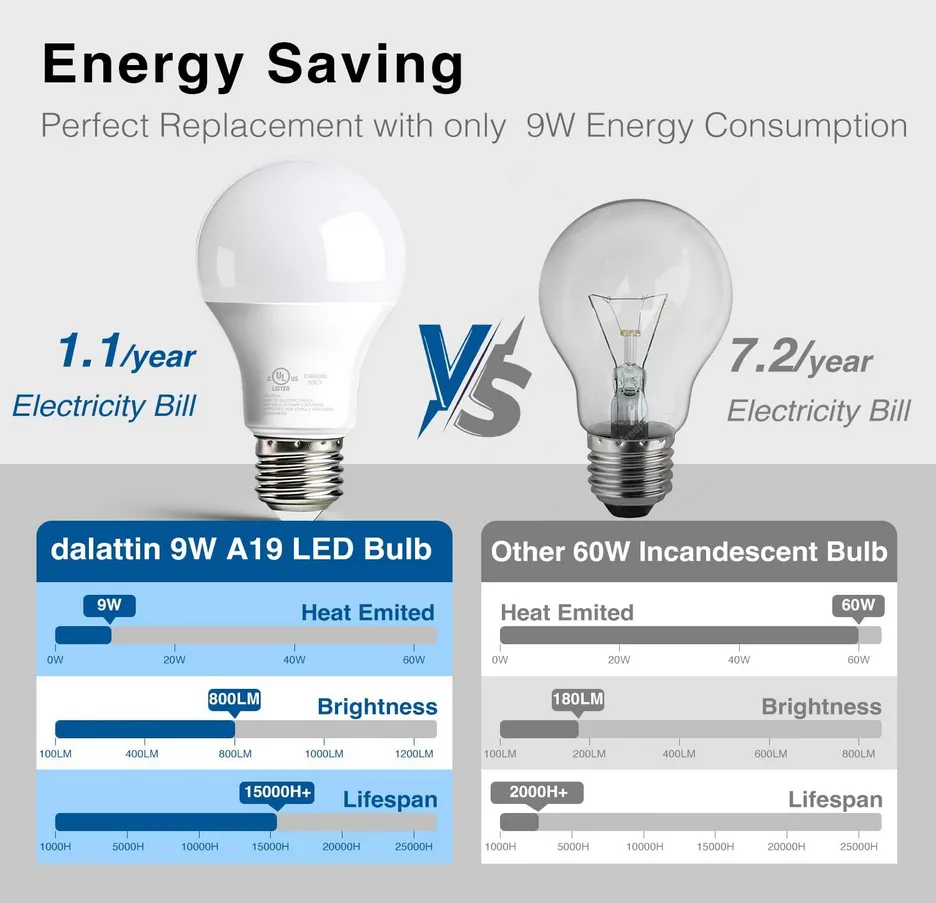
Save on electricity bills with high-output, low-power Dalattin light bulbs designed for long-lasting, brilliant performance.
Dalattin Best Sellers
Upgrade your home with top-rated, energy-efficient LED lighting solutions designed for style and durability.
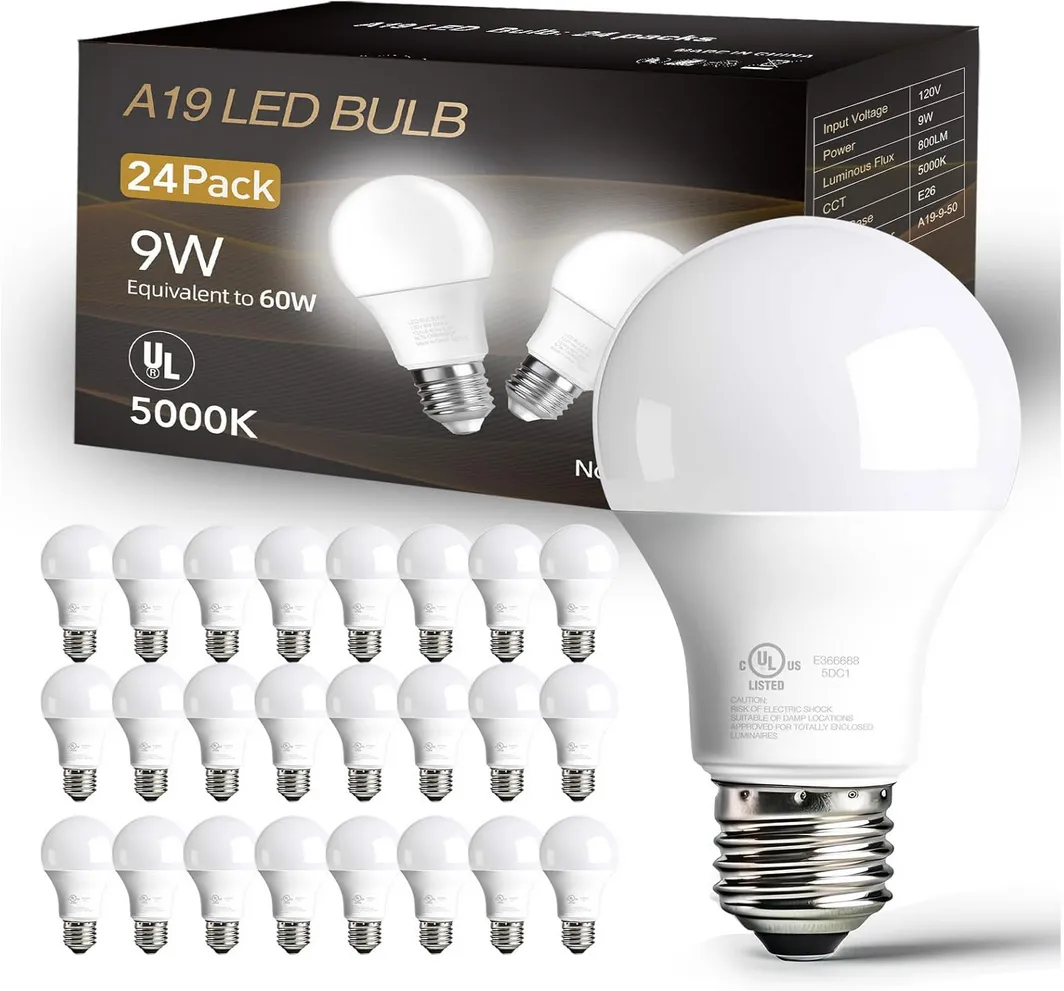
Dalattin 24 Pack LED Bulbs Daylight White 5000K
24-pack A19 LED bulbs provide energy-efficient 5000K daylight white illumination with standard E26 bases.
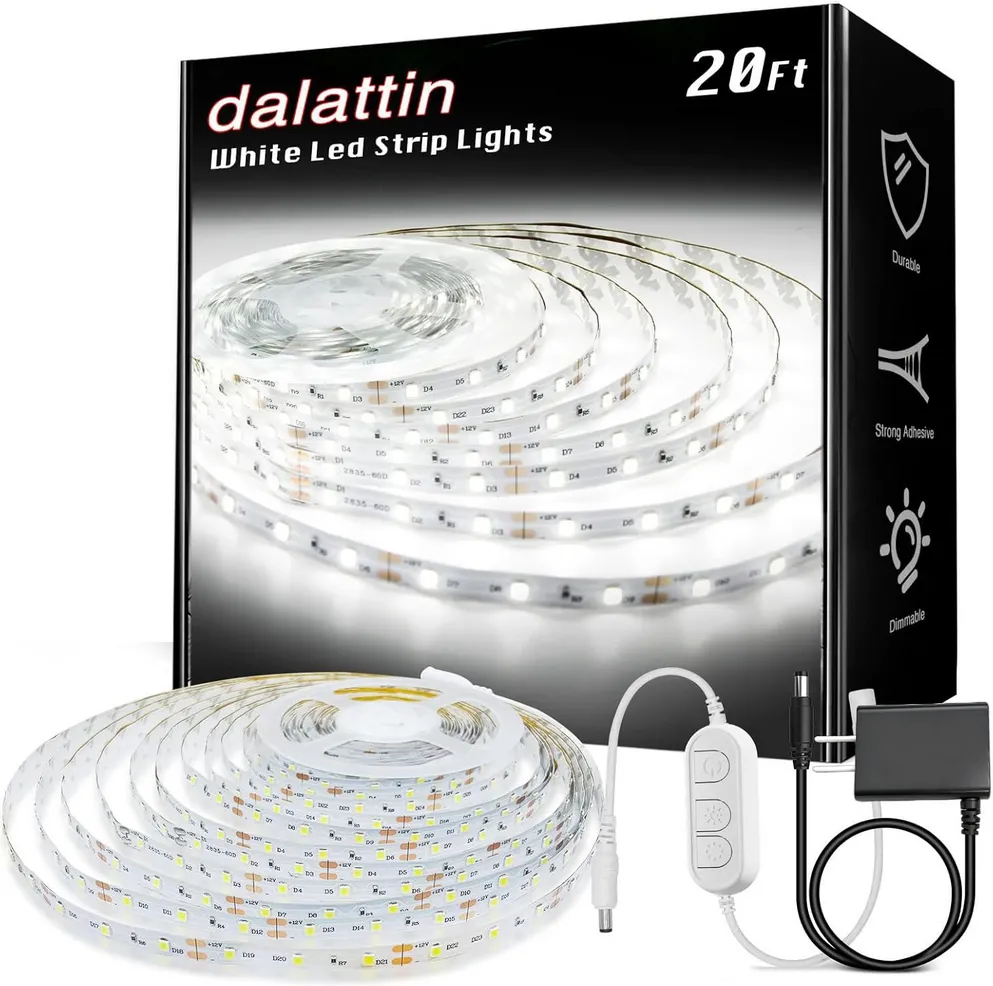
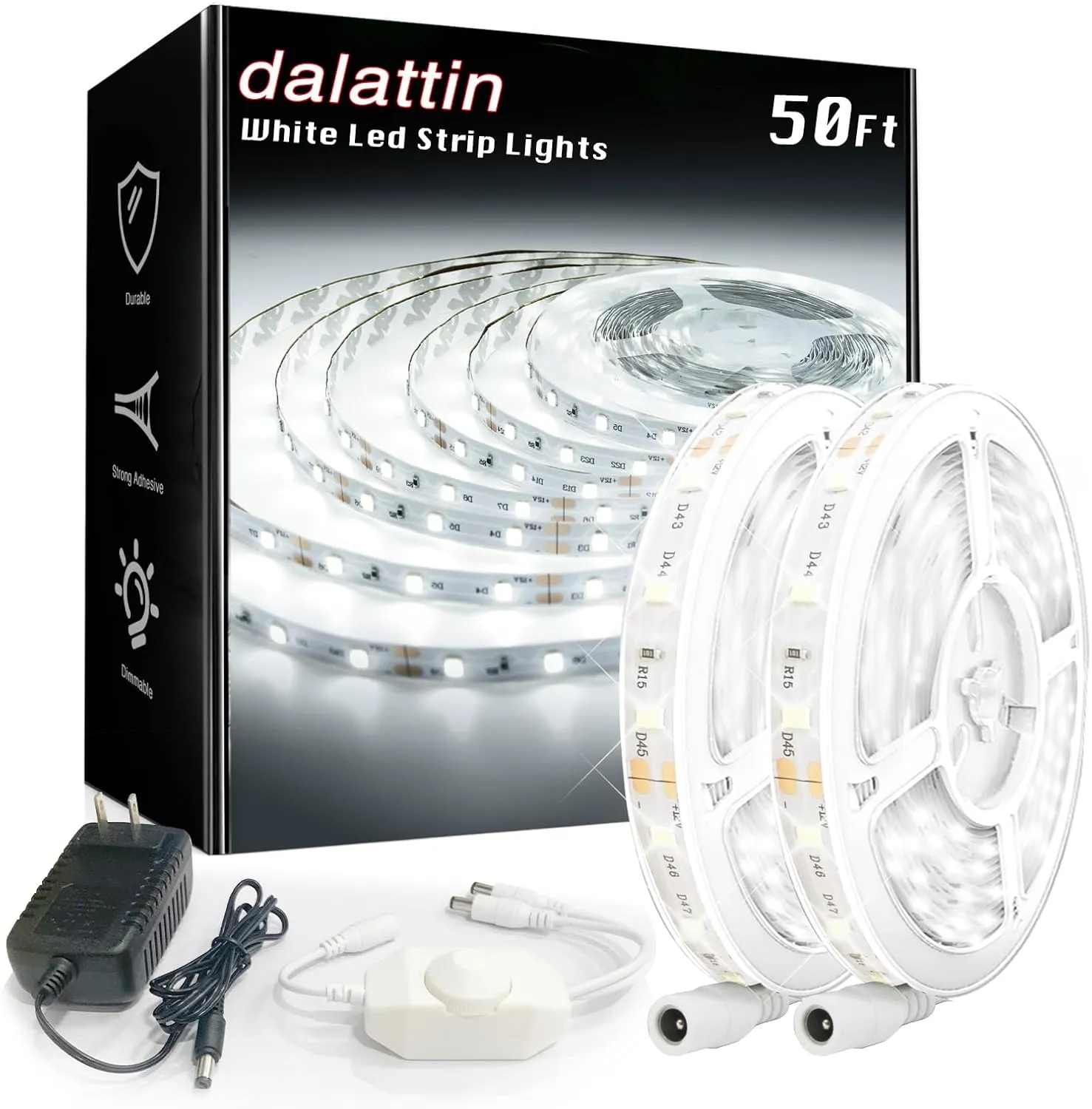
Dalattin White LED Strip Lights 20ft Dimmable Super Bright
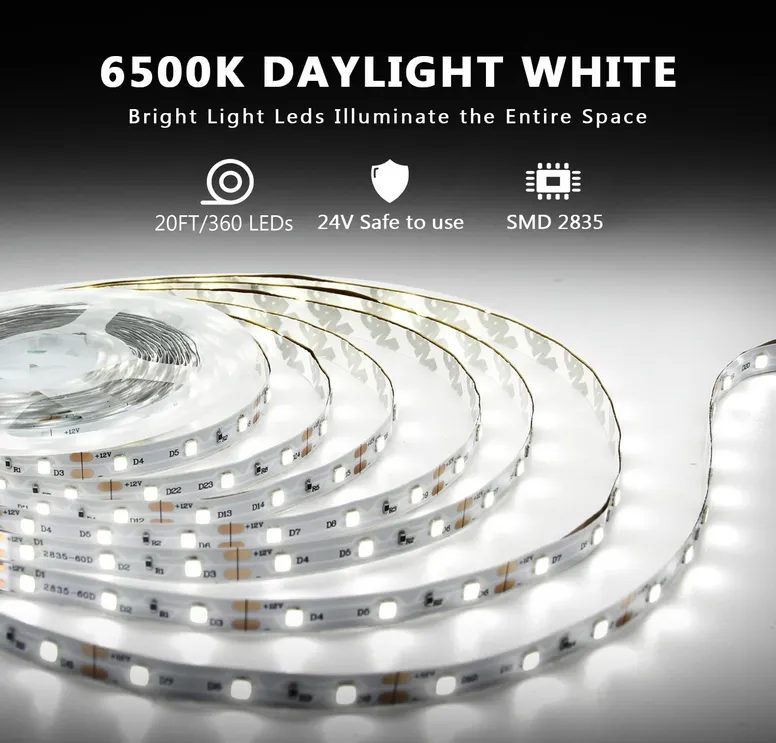
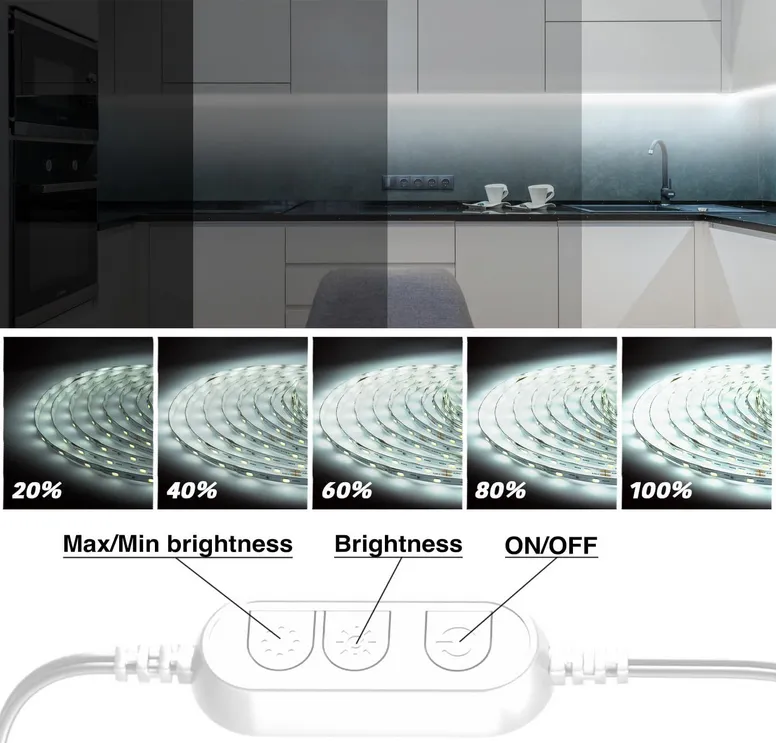
20ft dimmable white LED strips offer bright 6500K daylight for kitchens, mirrors, and modern bedroom decor.
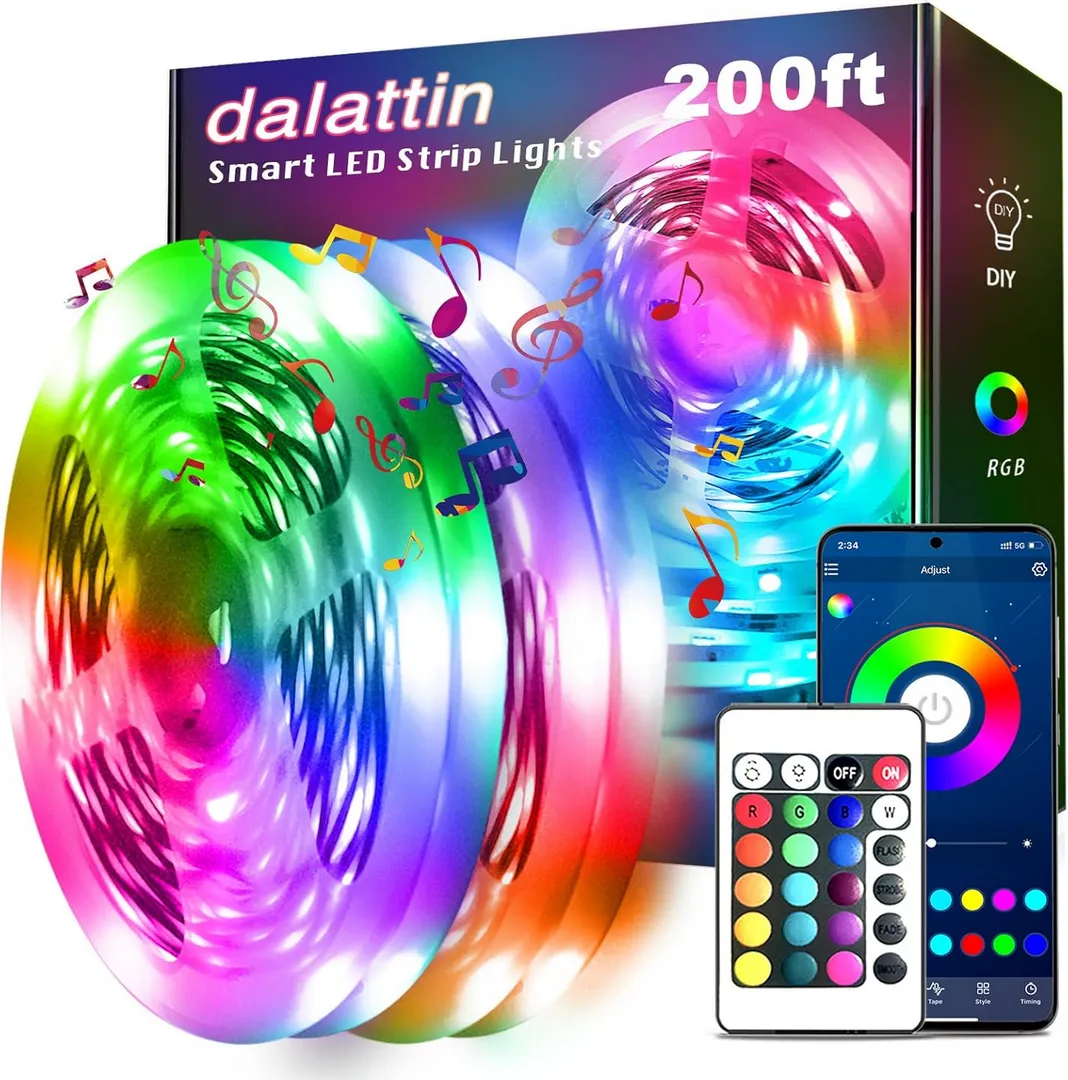
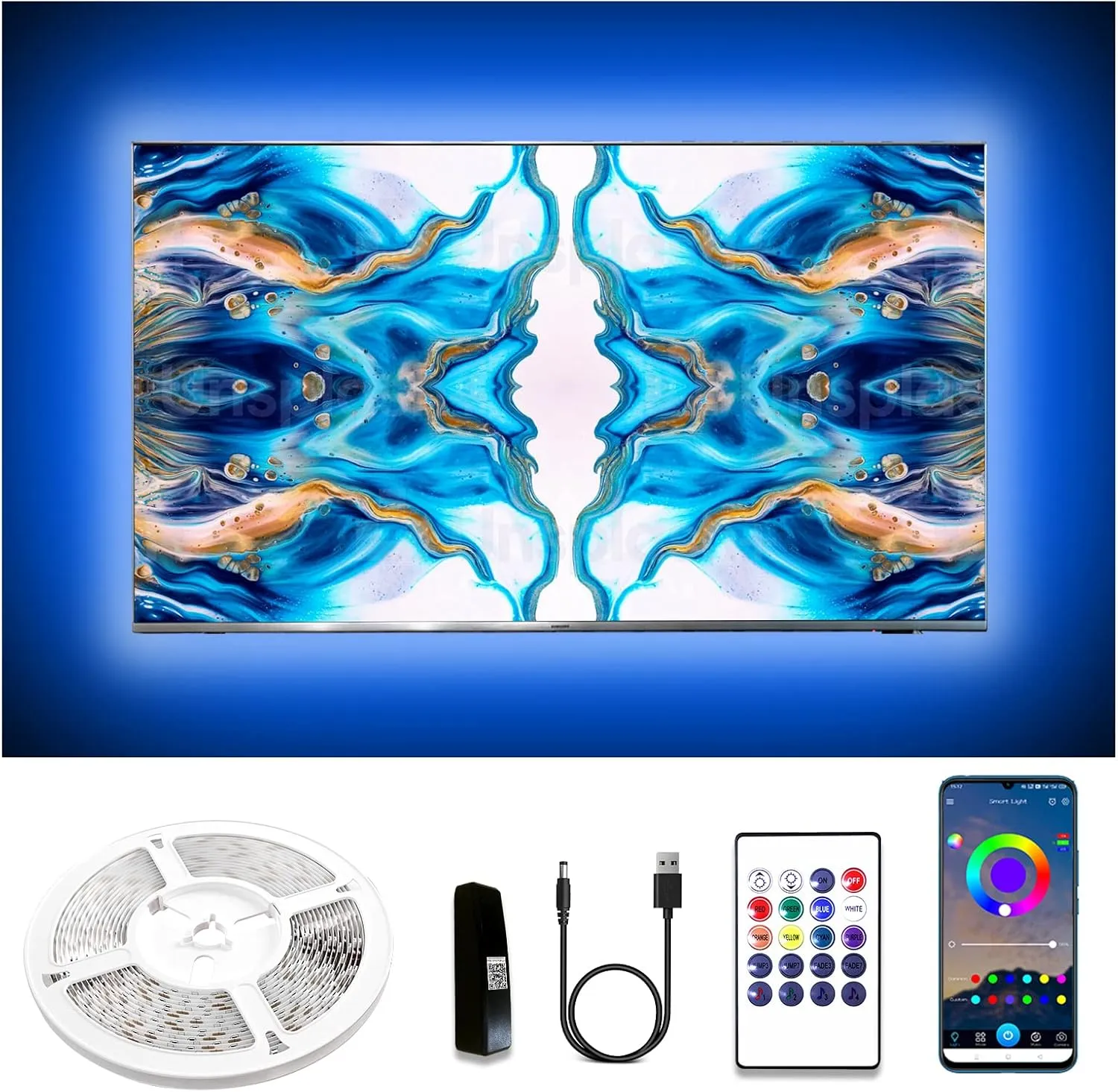
Dalattin Smart Led Strip Lights with App Control Remote
200ft RGB LED strips feature smart app control and remote for vibrant, customizable room decorations.
Shop by Category
Quick Dalattin Brightness Guide
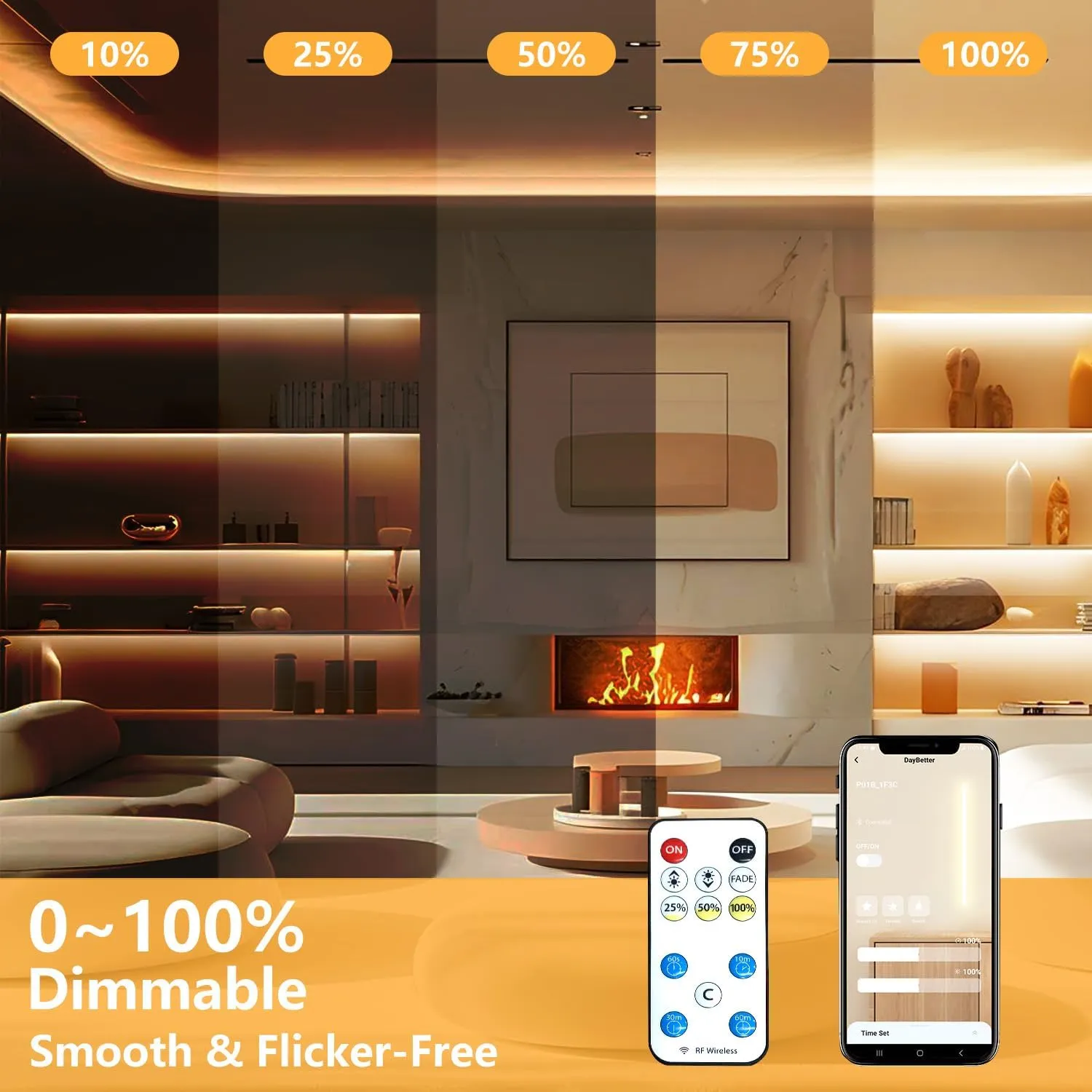
Choosing brightness is simple. Use this table to match the light to the place you use it.
| Application Area | Target Brightness | Recommended Color | Lighting Effect |
|---|---|---|---|
| Bedroom & Accents | 100–200 lm/ft | Warm White (3000K) | A soft, cozy glow designed for relaxation and sleep. |
| Living Room Mood | 200–300 lm/ft | Warm / Neutral (3000–4000K) | Visible but comfortable light that enhances the atmosphere. |
| Desk & Study Area | 300–500 lm/ft | Neutral / Daylight (4000–5000K) | Clear, balanced light to reduce eye strain and help you focus. |
| Kitchen Under-Cabinets | 400–600 lm/ft | Daylight White (5000–6500K) | Bright, sharp task lighting for safe food preparation. |
| Bathroom Mirror | 500–700 lm/ft | Daylight White (5000–6500K) | High-intensity light for grooming and applying makeup. |
| Closet & Pantry | 300–400 lm/ft | Neutral / Daylight (4000–6000K) | Eliminates dark corners so everything is easy to find. |
Bedroom / Accent
100–200 lm/ft
Color: Warm White
Soft, calm light for relaxing and sleeping.
Desk / Work
300–500 lm/ft
Color: Neutral / Daylight
Bright enough to see details and stay focused.
Kitchen Task
400–600 lm/ft
Color: Daylight White
Clear, sharp light for cooking and prep.
The Dalattin Story
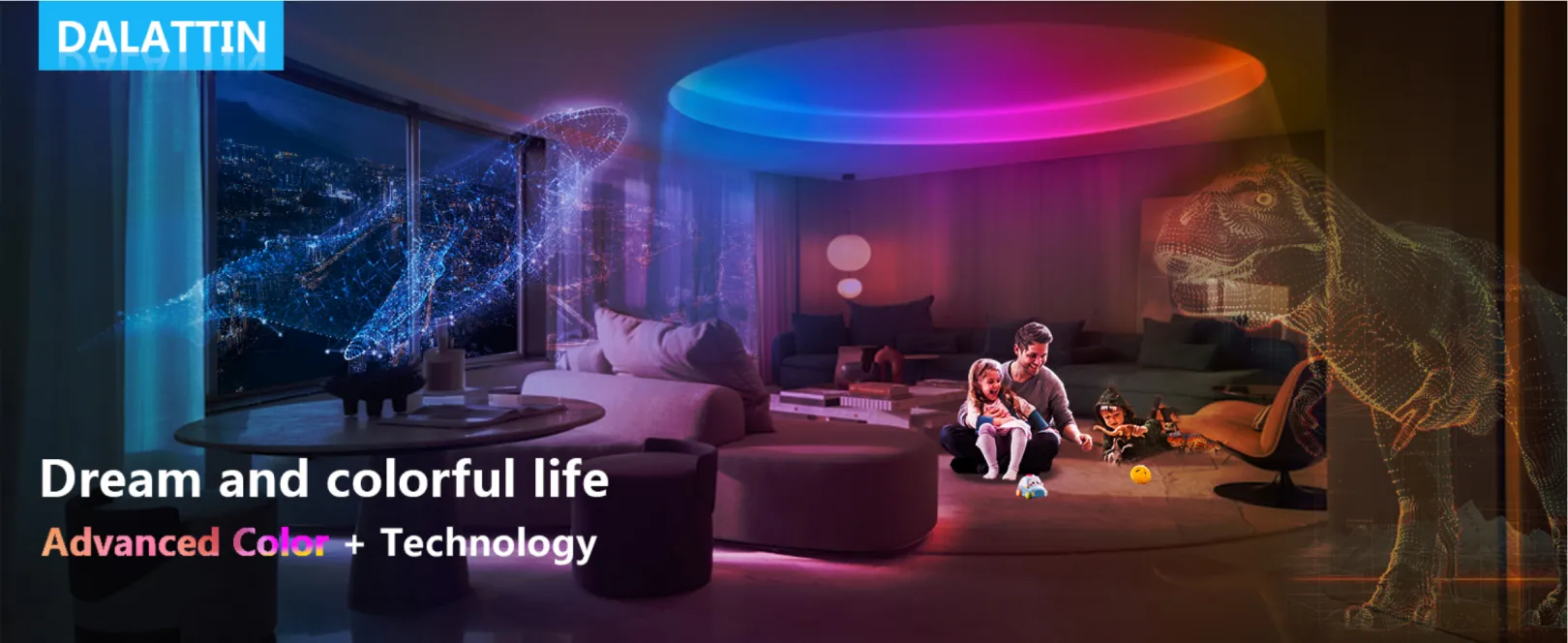
Good lighting should be easy and fun. Many people want to change their room, but they worry about lights being too short, falling off the wall, or breaking the paint. Dalattin was created to solve these exact problems for everyone.
Whether a room is small or big, Dalattin led strip lights are made to fit perfectly. With extra-long 100ft and 200ft options, one box can cover an entire space. These led lights use a special “peel and stick” back that stays on strong but is gentle on walls. This makes them safe for people who live in apartments or want to keep their paint looking new.
Safety is the most important part. These lights use a special system that stays cool, so it is safe to leave them on all night while you sleep. While some lights are too expensive or too cheap, Dalattin offers the perfect middle ground: professional quality that is easy to use. From lights that dance to music to smart app controls, these lights make any bedroom feel like a dream home.
Why Dalattin Led Lights
Instant Transformation
Turn any room into a vibrant, immersive space with dramatic lighting in minutes, no remodeling required.
Smart Control
Easily control colors, brightness, scenes, and schedules using an app or remote, anytime, anywhere.
Music Sync
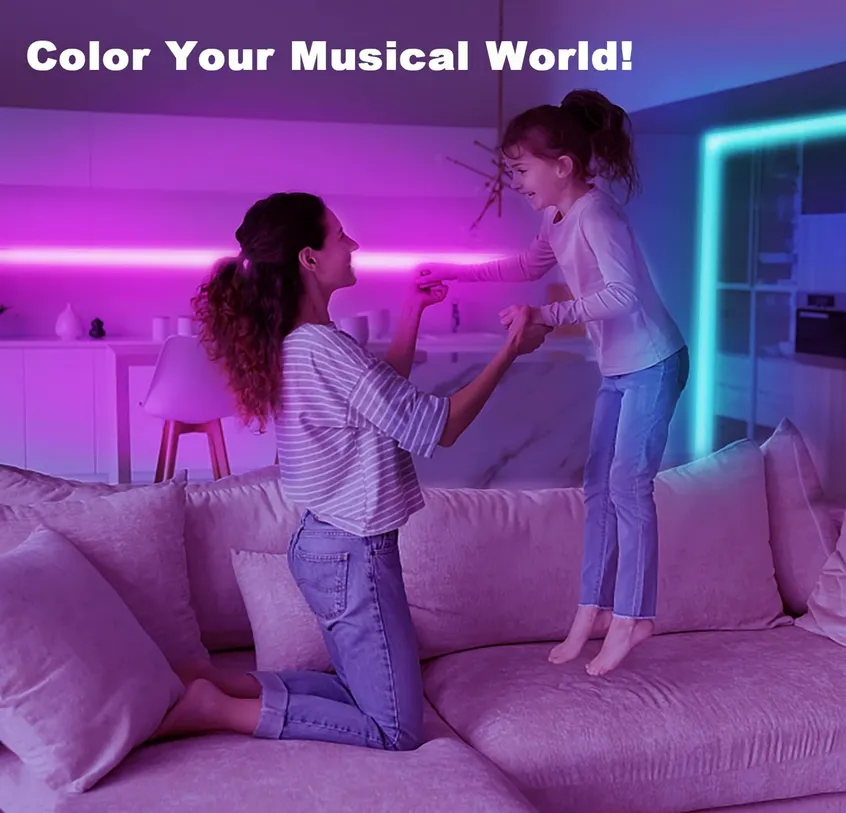
Lights react dynamically to sound, creating immersive atmospheres for gaming, parties, movies, and everyday listening.
Best Value
Get long-length, feature-rich LED lighting with reliable performance at a budget-friendly price point.
Dalattin Led Strip Lights Review

I bought the 100ft Dalattin RGB strips for my son’s bedroom and honestly expected setup headaches. Bluetooth pairing took two minutes, and the remote is surprisingly useful. Music sync actually reacts to beats while gaming. Colors are bright, adhesive is holding well so far, and there’s no weird overheating or smell.
Maison
Verified Purchase

Installed the 6500K white strips under my kitchen cabinets for better task lighting. The light is clean and evenly diffused, not harsh or flickery. Cutting at marked points was easy. The inline dimmer is practical. After cleaning the surface properly, the adhesive has stayed perfectly in place.
Barbara
Verified Purchase

I wanted smart lighting without paying premium prices, so I tried the Wi-Fi strip. Setup with the Tuya app was straightforward once I switched to 2.4GHz. Scheduling and voice control work reliably. The scenes look great at night, and controlling everything from my phone feels genuinely convenient.
Thomas
Verified Purchase
Frequently Asked Questions
Everything you need to choose the right Dalattin kit, install it cleanly, and troubleshoot quickly.
Choosing a Kit
What type of Dalattin LED strip lights should I choose for my room?
- Room vibe & color effects: Choose RGB strips for colorful scenes and mood lighting.
- Everyday functional brightness: Choose White or Warm White strips for kitchens, mirrors, closets, and counters.
- Fast, simple control: Choose Bluetooth versions if you mainly control lights inside your home.
- Schedules & control from anywhere: Choose Wi-Fi/Tuya versions for timers, routines, and remote control.
How do I know how many feet of LED strip lights I need?
- Add 10–15% for corners, drops to the power outlet, and tidy cable routing.
- Plan “break points” around doors/windows/furniture to avoid wasting length in hidden areas.
- Prefer multiple rolls if you want to light separate zones (desk + bed + shelves) without awkward jumps.
What’s the difference between RGB and white LED strip lights?
White or Warm White strips are built for functional lighting—clean, consistent light for cooking, grooming, closets, and work surfaces. If you want both, use RGB for atmosphere and a white strip in the task area (kitchen, mirror, desk).
Are Dalattin LED strip lights bright enough for everyday lighting?
RGB strips are excellent for ambient glow and can feel bright when bounced off walls/ceilings, but most homes still keep one main lamp or ceiling light for full-room tasks. For the best “daily use” setup: use strips for zones + one main fixture for overall illumination.
Can I use Dalattin LED strips as my main room light?
If you need “main light” performance for reading, cleaning, or detailed work, combine:
- a ceiling lamp or floor lamp for full-room coverage, and
- a white or warm white strip for your task zone (desk, mirror, counter).
Do Dalattin LED strip lights get hot or overheat?
- Use the included power supply and controller designed for your kit.
- Avoid covering strips with fabric, insulation, or trapping them in airtight channels.
- Do not sharply fold or kink the strip—tight creases can stress internal traces.
Are Dalattin LED strip lights safe to leave on overnight?
- Dim the lights at night—lower brightness reduces power and heat.
- Keep strips away from bedding, curtains, and anything that could press against them.
- Use schedules/timers to shut off automatically after you fall asleep.
Setup & Troubleshooting
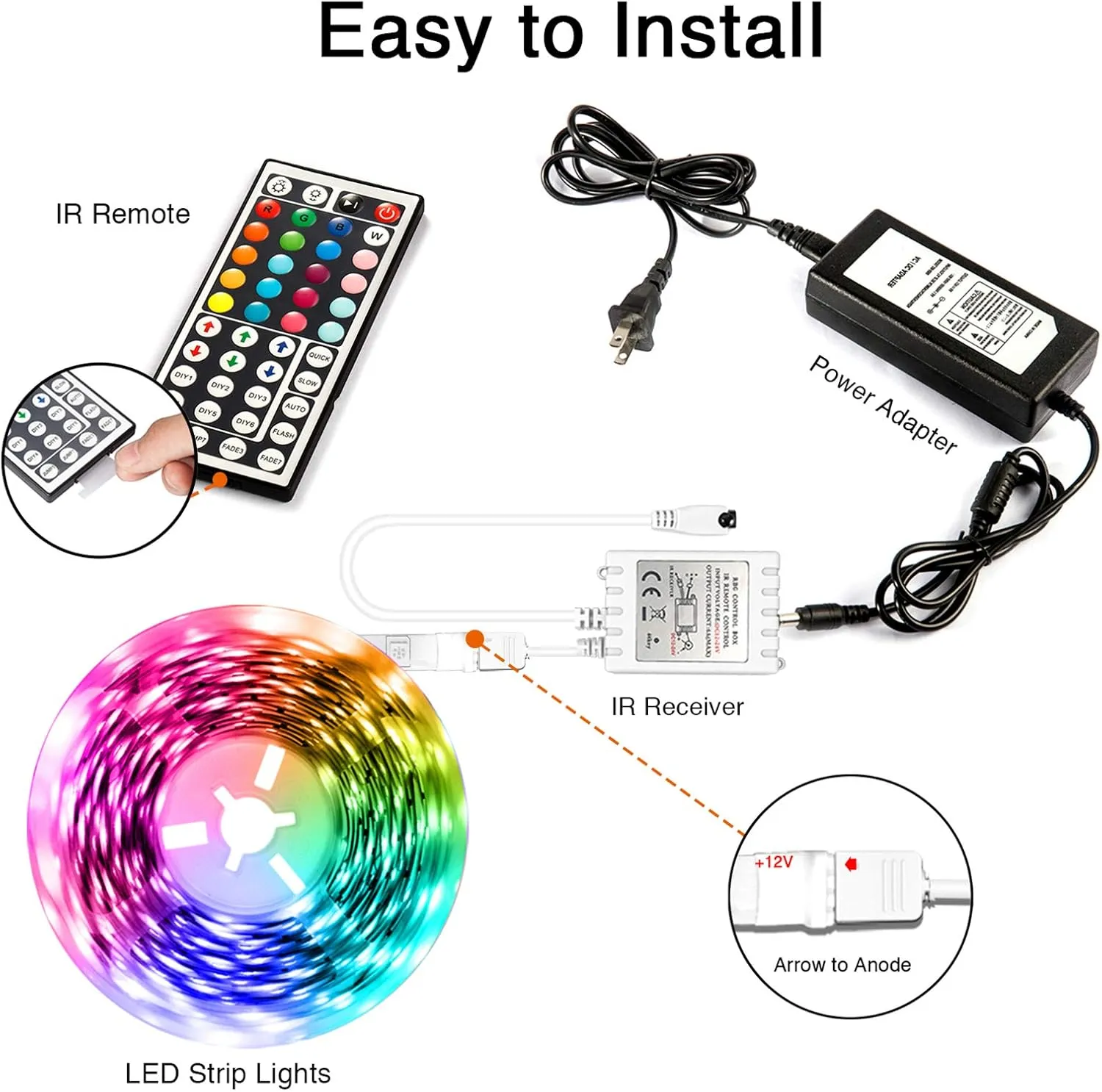
How do I set up Dalattin LED strip lights for the first time?
- Test first: Plug in strip + controller + power to confirm everything lights up.
- Plan the route: Decide where the power outlet sits, how you’ll handle corners, and where you want the glow.
- Prep the surface: Clean with isopropyl alcohol and let it dry completely.
- Mount slowly: Peel a little backing at a time and press firmly section by section.
- Pair control: Remote works immediately; pair the app afterward if your model supports it.
Why won’t my Dalattin LED strip connect to the app?
- Wi-Fi band mismatch: Many controllers require 2.4GHz during setup, not 5GHz.
- Permissions: The app may need Bluetooth, Location, and Local Network permissions enabled.
- Weak signal or distance: Pair close to the controller and reasonably close to the router.
- Not in pairing mode: The controller may need a reset to re-enter pairing mode.
How do I reset a Dalattin LED strip controller?
- Unplug the power adapter for 10 seconds.
- Plug it back in and watch for a blink pattern (often indicates pairing mode).
- If your controller has a physical button, press-and-hold it until the strip blinks.
Can I use the remote without the app?
- more advanced scenes and effects,
- custom presets,
- group control across multiple devices, and
- schedules/timers (especially Wi-Fi models).
What should I do if part of the strip doesn’t light up?
- Reseat connections: Make sure the strip is fully seated in the controller connector and aligned correctly.
- Inspect the strip: Look for sharp bends, kinks, crushed sections, or damaged copper pads.
- Isolate the issue: If you have two rolls, test one roll at a time to see which segment is affected.
- Power-cycle: Unplug the adapter for 10 seconds and reconnect.
Installation & Mounting
Where should I install LED strip lights for the best effect?
- Ceiling perimeter: a soft halo that makes the room feel larger.
- Behind a TV/monitor: adds depth and can feel more comfortable at night.
- Under cabinets: practical counter lighting with a modern finish.
- Under a bed/desk: floating accent that looks great in photos and at night.
How do I prepare the surface before installing LED strips?
- Wipe the surface with isopropyl alcohol (70%+) to remove oils and dust.
- Let it dry fully—no moisture should remain.
- Mount at comfortable room temperature (cold surfaces reduce adhesion).
- Peel backing slowly and press firmly for 20–30 seconds per section.
Will Dalattin LED strips damage paint or walls?
- Install on smooth, sealed surfaces (trim, metal, glass) when possible.
- Use mounting channels/clips so you’re not relying only on adhesive against paint.
- When removing, warm the adhesive with a hair dryer on low and peel slowly at a shallow angle.
What surfaces do Dalattin LED strips stick to best?
If you must install on a difficult surface, use clips or a mounting channel for a secure install that stays put.
How do I run LED strip lights around corners?
- Gentle bend: use a smooth curve where possible.
- Hidden gap: leave a small gap at the corner and hide it behind trim or furniture.
- Clean 90° turn: use a corner connector or route the strip in a channel.
Can I cut Dalattin LED strip lights to length?
- Lay the strip in place without peeling adhesive and mark the exact cut point.
- Cut straight across on the printed cut line using sharp scissors.
- Test the strip after cutting before final mounting.
What happens if I cut the strip in the wrong place?
- Inspect the nearest printed cut line and trim to a correct point if you can.
- Test the remaining strip to confirm which sections still work.
- If you need to salvage a cut piece, it may require specific connectors and isn’t always guaranteed.
Power & Safety
What voltage do Dalattin LED strip lights use?
The safest rule is simple: use the adapter that comes with your kit. If you ever replace the adapter, match both the required voltage and current rating to avoid flicker, dimming, or damage.
What’s the difference between 5V, 12V, and 24V LED strips?
- 5V: often USB-powered and ideal for shorter runs like TV backlights.
- 12V: a common option for moderate-length home installs.
- 24V: often better for longer runs because it can reduce visible brightness drop along the strip.
Can I plug Dalattin LED strips into a TV USB port?
Some TVs provide limited USB power. If you see dimming or flicker, switch to a quality USB wall adapter with enough output for stable performance.
How much electricity do Dalattin LED strip lights use?
To estimate cost: check the wattage rating on your power adapter, then multiply by hours used. Using schedules and dimming is an easy way to keep energy use low while still getting a great look.